How Small Businesses Can Use AI to Reduce Manual Work and Operating Costs

Ways small businesses can use AI to cut repetitive tasks, lower operating costs, and free their teams for higher-value work.
Most small businesses do not have a technology problem. They have a time problem. The owner answers the same customer questions every day, someone retypes invoice details into accounting software, and follow-ups depend on who remembers to send them.
This is where AI for small business is most useful: not as a replacement for people, but as a way to take repetitive, rules-based and text-heavy work off their plates. Done well, it can reduce errors, speed up responses and give your team time for work that needs judgment and a human touch. Done badly, it adds cost, risk and confusion.
This guide explains where manual work hides, what AI can and cannot do, seven practical use cases, how to choose a first project, and how to measure whether it is paying off. It is written for owners and decision-makers, not engineers.
Table of Contents
- Where Manual Work Quietly Drains Your Budget
- What AI Can and Cannot Do for a Small Business
- 7 Practical Ways to Use AI to Reduce Manual Work
- How to Choose Your First AI Project
- A Five-Step Roadmap to Get Started
- How to Measure Savings and ROI
- Risks to Manage Before You Automate
- Build, Buy or Partner?
- Frequently Asked Questions
- Conclusion
Where Manual Work Quietly Drains Your Budget
Manual work rarely shows up as a line on your profit and loss statement. It hides in hours, delays and mistakes. Common places to look:
- Repeated questions: the same pricing, hours, delivery or policy questions arriving by email, chat and phone.
- Copy-and-paste admin: moving details between emails, spreadsheets, accounting software and a CRM.
- Slow follow-up: quotes or enquiries that wait days because nobody owns the next step.
- Scheduling back-and-forth: several messages to settle one appointment.
- Document handling: invoices, receipts, contracts and forms that someone reads and types in by hand.
- Manual reporting: weekly numbers assembled from several tools on a Friday afternoon.
A quick test: for one week, ask each team member to note any task they did more than three times that followed the same steps. That list is your raw material for automation.
What AI Can and Cannot Do for a Small Business
The words "AI" and "automation" are often used interchangeably, but they solve different problems.
Approach | Best for | Example | Main risk |
|---|---|---|---|
Rule-based automation | Predictable, structured steps | When a form is submitted, create a CRM record and send a confirmation | Breaks when inputs change |
AI (machine learning, language models) | Messy, text-heavy or variable inputs | Reading an emailed invoice and extracting the supplier, date and total | Occasional errors that need review |
AI plus automation | End-to-end workflows | Classify an enquiry, draft a reply, log it, and alert a person if it is urgent | Needs good design and oversight |
What AI does well: summarizing, drafting, sorting, extracting information from documents, answering common questions from approved content, and spotting patterns in data.
What it does poorly or unreliably: anything needing guaranteed accuracy without review, sensitive judgment calls, legal or medical advice, and situations where it lacks the right information. Language models can produce confident but incorrect answers, so the design should include checks and a human fallback.
A useful rule: let AI prepare and suggest, and let people approve anything that is costly, sensitive or hard to reverse.
7 Practical Ways to Use AI to Reduce Manual Work
1. Customer service and common questions
An AI assistant trained on your own approved content (FAQs, policies, product details) can answer routine questions on your website or messaging channels at any hour, and hand off to a person when it is unsure or when the customer asks.
- Good fit: repeated questions with clear answers.
- Safeguards: limit it to approved sources, show an easy route to a human, and review conversations regularly.
2. Lead capture and follow-up
Automation can respond instantly to a new enquiry, qualify it with a few questions, route it to the right person and schedule reminders. AI can help draft personalized replies for a team member to review.
The benefit is speed and consistency: fewer leads slipping through because someone was busy.
3. Scheduling and reminders
Online booking tools with automatic confirmations and reminders remove the email ping-pong and can reduce no-shows. This is often the simplest, lowest-risk starting point.
4. Document processing, invoicing and data entry
AI-based document tools can read invoices, receipts and forms and extract key fields into your accounting or inventory system. A person verifies exceptions or low-confidence results.
- Good fit: a steady volume of similar documents.
- Safeguards: match totals against purchase orders, and keep an audit trail.
5. Marketing and content support
AI can draft first versions of emails, product descriptions, social posts and meeting summaries, and help repurpose existing content. Treat it as a drafting assistant. Edit for accuracy, tone and originality, and never publish unchecked claims.
6. Reporting and decision support
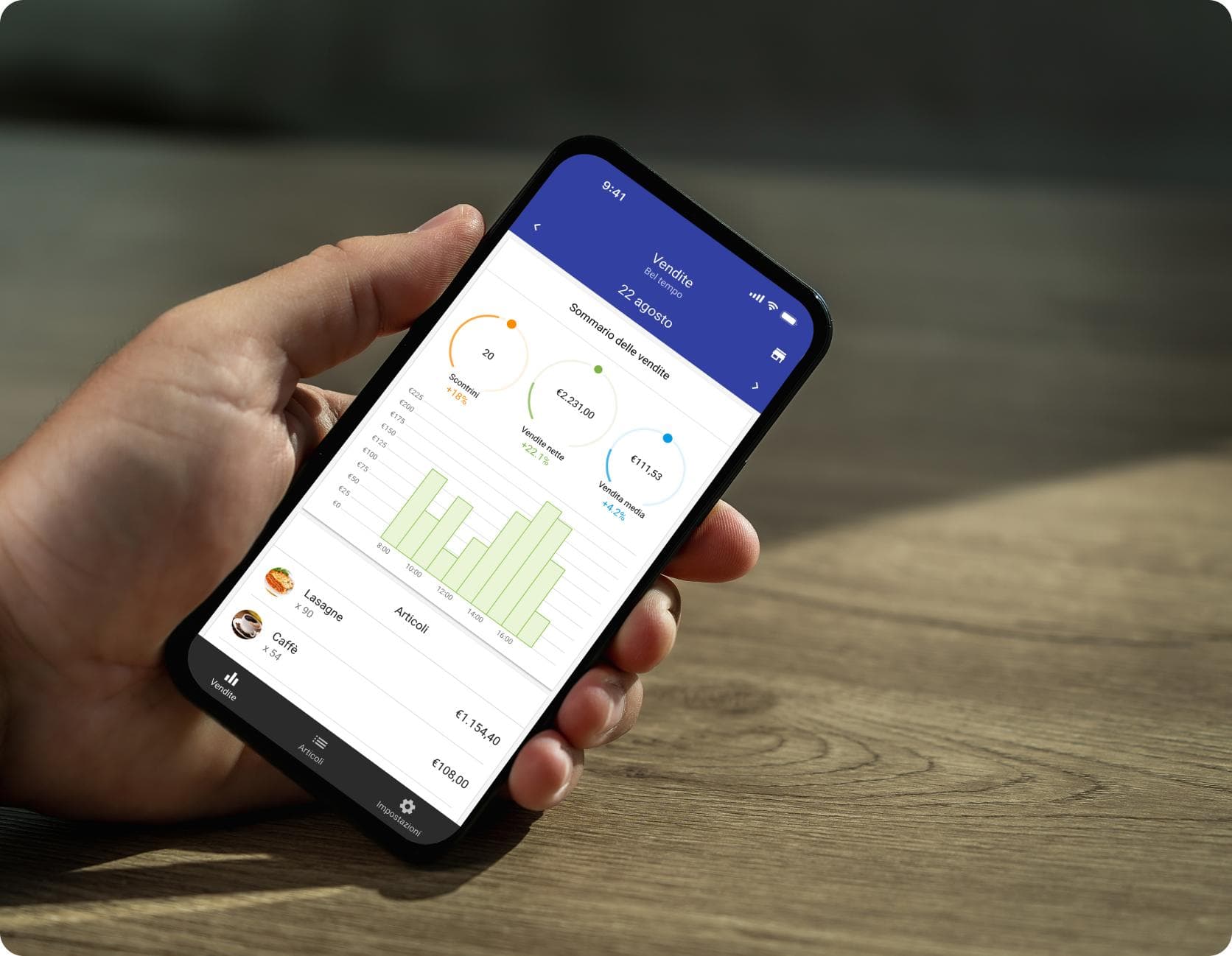
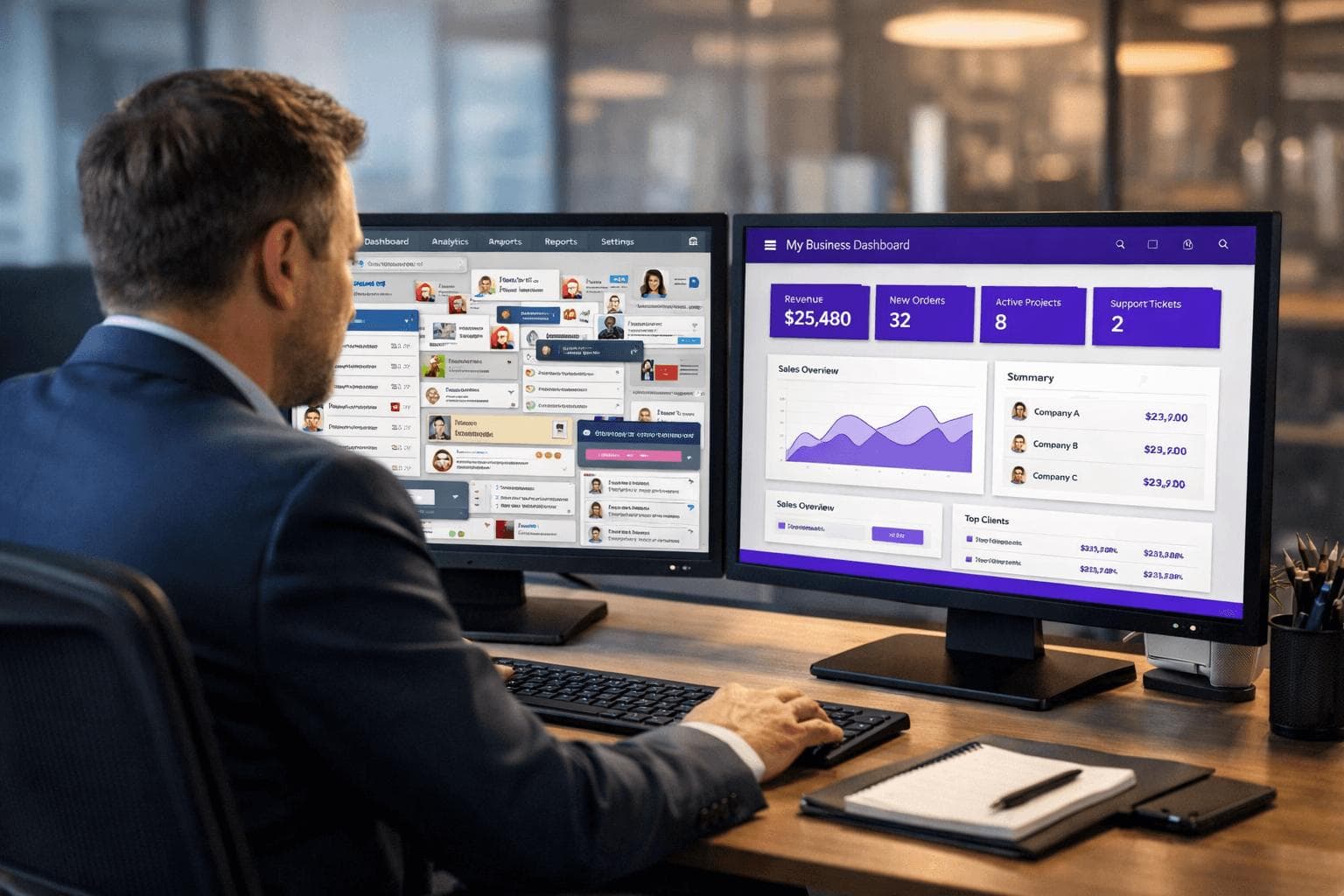
Connect your sales, finance and marketing data to a dashboard that updates automatically. AI features can summarize trends in plain language, flag unusual changes and answer questions about your data. Good results depend on clean, consistent data.
7. Internal knowledge and team support
An internal assistant that searches your policies, procedures and onboarding documents can save managers from answering the same questions repeatedly. Keep access permissions strict so it only retrieves what each person is allowed to see.
How to Choose Your First AI Project
The best first project is not the most exciting one. It is frequent, well understood, low risk and easy to measure.
Question | Good sign | Warning sign |
|---|---|---|
How often does it happen? | Daily or weekly | A few times a year |
Are the steps clear? | Written down, consistent | Depends on one person's judgment |
What if it goes wrong? | Easy to catch and fix | Legal, financial or safety harm |
Is the data available? | Digital and reasonably clean | Paper, scattered or inconsistent |
Can you measure it? | Time, errors or response time | No baseline |
Score your candidate tasks against these questions. Pick one with a high frequency, a clear process and low risk, such as enquiry follow-up, appointment scheduling or invoice data capture.
A Five-Step Roadmap to Get Started
- Map the process. Write down each step, who does it, which tools are used and where delays happen.
- Set a baseline. Record current time spent, error rate and response time for a few weeks, so you can prove improvement later.
- Define success and limits. Decide what "better" means (for example, faster first response) and what the system must never do on its own.
- Pilot small. Run the new workflow with one team or one type of request, with a person reviewing outputs.
- Review, refine and expand. Compare results to the baseline, fix problems, train the team, then move to the next process.
Resist buying several tools at once. Each one adds cost, logins, training and security considerations.
How to Measure Savings and ROI
Savings come from time recovered, fewer errors and faster response, but only if the recovered time is redirected to useful work or reduces paid hours or outsourcing. Time "saved" that disappears into nothing is not a saving.
A simple way to estimate value:
Monthly value = (hours saved per month × loaded hourly cost) + cost of errors avoided + any revenue protected by faster response
Monthly cost = software subscriptions + usage fees + setup or maintenance + time for oversight
Illustrative example only (not a client result): if a workflow saves 20 hours a month and the loaded cost of that time is $40 per hour, the time value is $800 a month. If the tools and oversight cost $250 a month, the net is about $550 a month before setup costs. Your numbers will differ, so use your own baseline.
Also track quality: customer satisfaction, error rates and how often the AI needed a human to step in. If quality drops, the savings are not real.
Risks to Manage Before You Automate
- Privacy and data protection: Know what personal or confidential data you send to a tool, where it is stored and whether it is used to train models. Rules vary by country and region, including PIPEDA in Canada and GDPR in the EU, so confirm what applies to you. See the Office of the Privacy Commissioner of Canada for Canadian guidance.
- Accuracy: Test with real examples, including awkward ones, before launch. Require human review for high-stakes outputs.
- Security: Use strong access controls and multi-factor authentication, and avoid pasting sensitive data into tools without approved terms.
- Transparency: Tell customers when they are talking to an automated assistant and make it easy to reach a person.
- Bias and fairness: Be careful using AI for decisions about people, such as hiring or credit.
- Vendor dependence: Prefer tools that let you export your data and avoid locking critical processes into one provider.
- Governance: Name one owner for each automated process and keep a short written policy on acceptable AI use. The NIST AI Risk Management Framework is a useful, free reference for structuring this thinking.
Build, Buy or Partner?
Option | Best when | Trade-offs |
|---|---|---|
Off-the-shelf tools | Your needs are common (booking, chat, accounting add-ons) | Fast and affordable, but limited customization and integration |
Connect tools with automation platforms | You need workflows across existing apps | Flexible, but needs careful setup, testing and maintenance |
Custom software or AI solution | Your process is unique or tied to core operations | More upfront cost, but fits your business and data |
Partner with a development team | You lack time or expertise, or need integration and security | Requires choosing a reliable partner and clear scope |
Many businesses start with off-the-shelf tools, then add custom integrations as they learn what matters.
At MA Digitals Solution, we help businesses design AI business automation, custom software and web or mobile solutions that fit how they actually work, starting with a process review rather than a tool shopping list. If you want a second opinion on where automation would help most, you can talk to our team about AI business automation.
Frequently Asked Questions
What tasks can AI automate for a small business?
Common examples include answering routine customer questions, sorting and replying to enquiries, scheduling, extracting data from invoices and forms, drafting marketing content, summarizing meetings and producing regular reports. Start with repetitive, low-risk tasks.
Is AI worth it for a very small business?
Often, if you choose a specific problem and measure the result. A solo owner or small team can benefit from simple tools for scheduling, enquiries and drafting. It is not worth it when it is adopted for its own sake, without a clear task or baseline.
How much does AI automation cost?
It varies widely. Many tools charge monthly subscriptions or usage fees, while custom solutions involve design, development and maintenance costs. Get a scoped quote, include ongoing oversight in your estimate and compare it to the value of the time and errors you expect to save.
Will AI replace my employees?
For most small businesses, the realistic goal is to remove repetitive tasks so people can focus on service, sales and problem-solving. Be open with your team about what is changing and involve them in choosing what to automate.
Is it safe to put business data into AI tools?
It depends on the tool and its terms. Check where data is stored, who can access it and whether it is used for training. Avoid entering sensitive customer or financial data into tools you have not reviewed, and follow the privacy laws that apply to you.
What is the difference between AI and automation?
Automation follows predefined rules to complete tasks. AI handles variable or unstructured inputs such as free-text emails or scanned documents. Many useful solutions combine both.
How long does it take to see results?
Simple workflows such as booking or enquiry routing can run within days or weeks, while integrations or custom solutions take longer. Allow time for testing and adjustment, and judge results against your baseline rather than a fixed timeline.
Do I need technical staff to use AI?
Not for many off-the-shelf tools. For integrations, custom solutions, security and ongoing maintenance, a technical partner can reduce risk and save time.
Conclusion
AI will not fix a broken process, but it can remove a great deal of repetitive effort from a working one. The practical path is straightforward: find the manual tasks that consume the most time, choose one that is frequent and low risk, pilot it with human oversight, and measure the result against a baseline.
Businesses that approach AI this way tend to avoid the two common traps: buying tools with no clear purpose, and automating things that still need human judgment. Start small, protect your customers' data, and expand as you learn what pays off. If you would like help mapping where automation fits in your business, the MA Digitals Solution team is happy to start the conversation.
On-Page SEO Metadata
- SEO title (51 characters): AI for Small Business: Reduce Manual Work and Costs
- Meta description (about 152 characters): Learn how small businesses can use AI to reduce manual work and operating costs, from customer service to invoicing, with a practical, low-risk roadmap.
- Excerpt (20 words): Ways small businesses can use AI to cut repetitive tasks, lower operating costs and free their teams for higher-value work.
- Suggested slug: /ai-for-small-business-reduce-manual-work-costs
- Primary keyword: AI for small business
- Secondary keywords: see the brief above
- Category: AI Business Automation
- Tags: AI for small business, business automation, workflow automation, operating costs, AI chatbots, productivity
- Featured image concept: A clean illustration of a small team at a desk with a simple workflow diagram beside them: an inbox, invoice and calendar icons flowing through a glowing automation node into a tidy dashboard. Use brand colours and avoid robot clichés.
- Alt text: Illustration of a small business workflow where email, invoices and scheduling are automated into one dashboard
- Open Graph title: How Small Businesses Can Use AI to Cut Manual Work and Costs
Free consultation
Ready to turn this into a plan?
MA Digitals can shape the ideas in this article into a website, app, or campaign. Book a free consultation and we will map the next step with you.
Book A Free ConsultationLoading comments…