When Spreadsheets Stop Working: Signs Your Business Needs Custom Software

Spreadsheets get you started, but errors, delays and workarounds add up. Learn the warning signs it's time for custom software.
Spreadsheets are the unofficial operating system of small business. They are fast to start, flexible and familiar, and for good reason: most companies run on them in their first years. A spreadsheet tracks orders, schedules jobs, manages inventory and builds the quote that wins a client.
Then, gradually, things change. The file is slow to open. Two people edit different versions. One person understands the formulas, and everyone is nervous when they are on holiday. At some point, the tool that helped you grow starts holding you back.
This guide explains how to recognize that point. It covers eight warning signs, how spreadsheets, off-the-shelf software and custom software for business compare, what the move involves and what to avoid. It is meant to help you decide, not to push you into building something you do not need.
Table of Contents
- Why Spreadsheets Work, Until They Do Not
- 8 Signs Your Business Needs Custom Software
- Spreadsheet, Off-the-Shelf Software or Custom Software?
- What Custom Software Can Look Like in Practice
- How to Plan the Move Away from Spreadsheets
- What Affects the Cost of Custom Software
- Common Mistakes to Avoid
- Frequently Asked Questions
- Conclusion
Why Spreadsheets Work, Until They Do Not
Spreadsheets are not the enemy. They are excellent for analysis, quick calculations, prototypes and small, stable processes. If a spreadsheet does its job reliably and only one or two people use it, there is no reason to replace it.
Problems appear when a spreadsheet stops being a calculator and becomes a system: a place where several people enter data, where the data drives decisions, and where the business depends on it running every day. Spreadsheets were not designed to be multi-user databases with strict controls, workflows and integrations. When they are used that way, the costs are real but hard to see: hours of rework, errors discovered late, and decisions made on stale numbers.
8 Signs Your Business Needs Custom Software
One sign on its own may only need a better spreadsheet. Several together suggest the tool no longer fits the job.
1. Errors keep slipping through
A broken formula, an overwritten cell or a mistyped value can quietly corrupt a whole workbook, and nothing flags it. Spreadsheets also offer limited protection against invalid entries and accidental changes.
Spreadsheet limits have caused serious real-world problems. In 2020, a UK public health body reported that some COVID-19 test results were missed because data was held in an older Excel file format with a row limit. Most businesses will not face stakes like that, but the lesson holds: if a mistake would be costly, the process needs stronger controls than a spreadsheet can offer.
What to look for: frequent corrections, "don't touch this cell" warnings and manual double-checking of totals.
2. Several people edit and nobody trusts the latest version
Files named "final_v3_REAL" and email attachments passing back and forth are a classic symptom. Modern cloud spreadsheets allow shared editing, but they still struggle with approvals, conflicting changes and a single reliable source of truth.
What to look for: duplicate files, reconciling versions by hand, and arguments about which numbers are correct.
3. The file is slow, large or hitting limits
Spreadsheets have size limits and slow down as formulas, lookups and rows pile up. Excel supports a little over one million rows per worksheet, and Google Sheets has a cap on the total number of cells. Long before you reach those limits, performance may suffer.
What to look for: long load times, crashes, freezing and workbooks split into several files just to keep them usable.
4. One person holds the key
If the business depends on a workbook only one employee fully understands, you have a continuity and key-person risk. Complex nested formulas, macros and hidden sheets make it worse.
What to look for: "Ask Sam" as the answer to every question, and anxiety about illness or resignation.
5. Manual work and copy-and-paste dominate
If your team copies data from emails into a sheet, then into accounting software, then into a report, you are paying people to be a human integration layer. This is slow and error-prone, and it grows with volume.
What to look for: repeated data entry across systems, routine tasks that take hours each week and delays caused by waiting for someone to update the file.
6. You need permissions, approvals and an audit trail
Spreadsheets give you limited control over who can see or change what. Row-level permissions, enforced approval steps and a reliable history of who changed what and when are hard to maintain. This matters for finance, HR, health, client data and regulated industries.
What to look for: sensitive data in shared files, informal approval by email, and difficulty answering "who changed this?"
7. You need integrations, automation or customer-facing features
If you want orders from your website to flow into inventory, send automatic reminders, let clients log in to see their status, or sync with accounting and CRM tools, a spreadsheet becomes a workaround. Connectors can help up to a point, but they add fragility.
What to look for: a wish list that keeps hitting "we can't do that in Excel".
8. Your process is unique and growth is adding complexity
If the way you operate is a competitive advantage, such as a custom quoting method, scheduling logic or a specialized workflow, generic software may force you to change what works. More staff, locations and products multiply the complexity.
What to look for: a spreadsheet that mirrors your actual process closely but is held together by manual steps.
Quick self-check: if you recognize three or more of these signs, and the process is central to revenue, service or compliance, it is worth exploring alternatives.
Spreadsheet, Off-the-Shelf Software or Custom Software?
Custom software is not always the answer. Often an existing product solves the problem faster and for less money. Consider all three.
Factor | Spreadsheet | Off-the-shelf software | Custom software |
|---|---|---|---|
Upfront cost | Very low | Low to moderate (subscription) | Higher (design and development) |
Speed to start | Immediate | Fast | Slower (planning, build, testing) |
Fit to your process | Flexible but manual | Good for standard processes | Built around your process |
Multi-user control and audit trail | Limited | Usually good | Designed to your requirements |
Integrations | Limited | Often available | Built as needed |
Scalability | Weak at volume | Depends on the product | Planned for your growth |
Ongoing costs | Staff time and errors | Per-user fees and add-ons | Maintenance, hosting and improvements |
Ownership and flexibility | You own the file | Vendor controls the roadmap | You can own the code, depending on the agreement |
A sensible approach:
- Check whether an established product covers at least most of your needs.
- If your process is standard, adapt your process to the software.
- If your process is a real differentiator, or off-the-shelf options need heavy workarounds, consider custom software, or a hybrid that connects existing tools with custom parts.
What Custom Software Can Look Like in Practice
Custom software does not have to be a huge platform. Many projects start with one painful process. Illustrative examples (not client results):
- Order and job tracking: a web app where staff update job status and customers can check progress, replacing a shared tracking sheet.
- Quoting tool: a form with built-in pricing rules that produces a consistent quote and saves it to your CRM.
- Inventory and supplier management: low-stock alerts and purchase orders generated automatically.
- Client portal: secure document sharing and requests instead of email attachments.
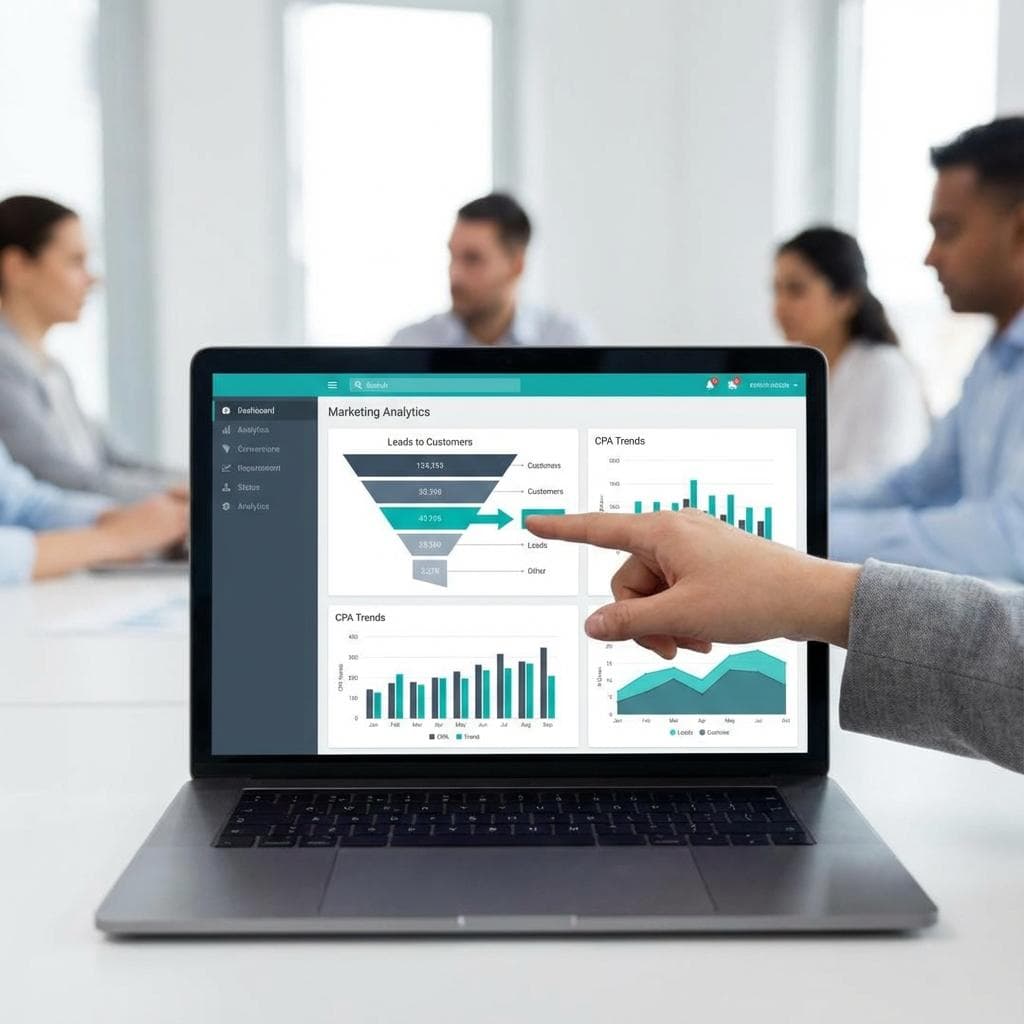
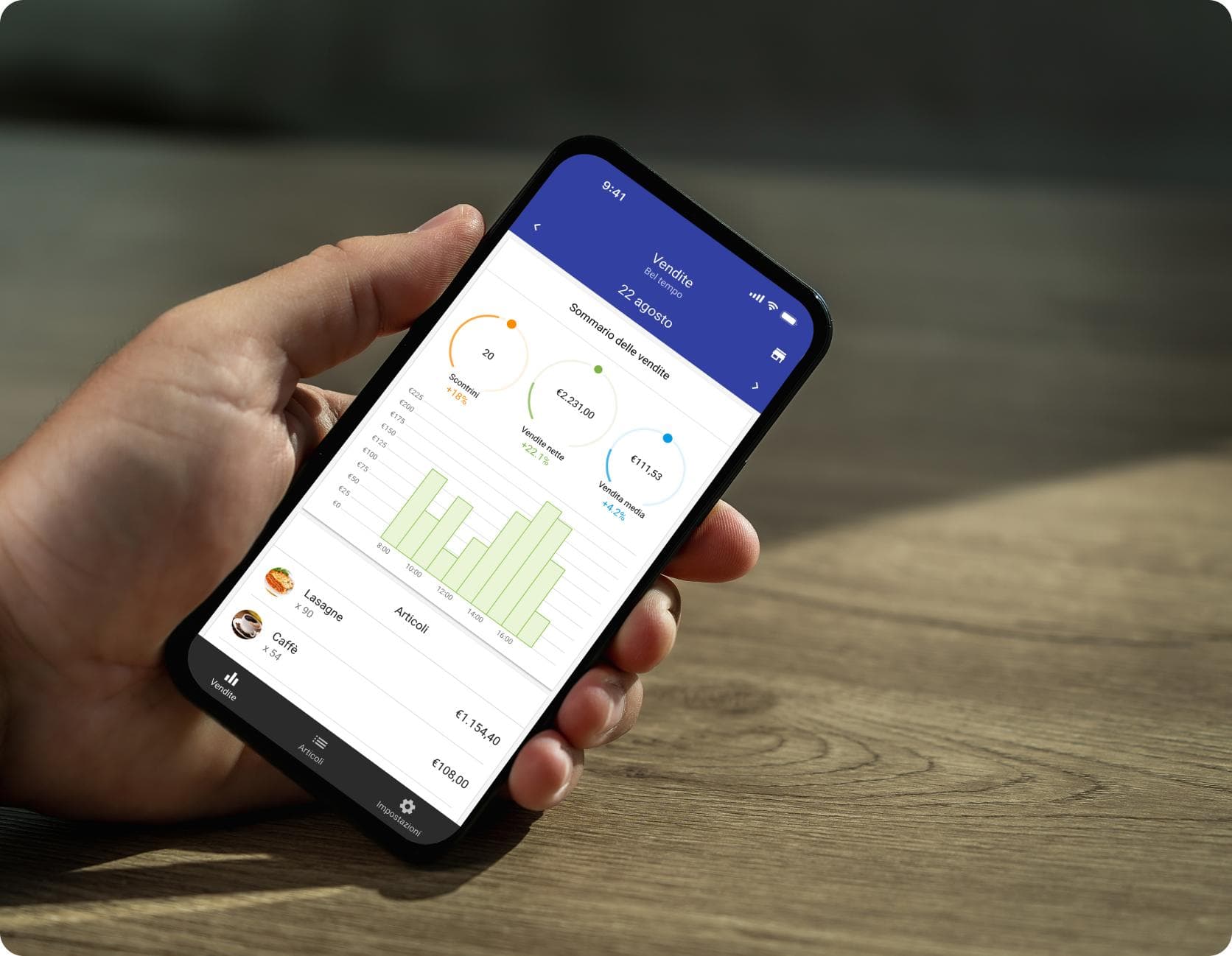
- Internal dashboard: live figures from sales, finance and operations without manual consolidation.
- Mobile app for field teams: capture photos, signatures and checklists on site, syncing to the office system.
Where repetitive tasks are the issue, AI business automation can handle steps like sorting enquiries or extracting data from documents, with people reviewing the results.
How to Plan the Move Away from Spreadsheets
- Document the current process. List each step, who does it and where the spreadsheet is involved. Include the workarounds, because they reveal real needs.
- Define the problems and goals. Write down what hurts (errors, time, delays) and what success looks like. Try to put rough numbers on current time and error rates.
- Separate must-haves from nice-to-haves. Prioritize the few features that solve the core problem. A first release does not need everything.
- Explore existing options first. Check what off-the-shelf tools can do before committing to custom work.
- Start with a minimum viable version. Build the smallest useful version, put it in front of real users and improve it from their feedback.
- Plan data migration. Clean and validate your existing data, and decide what history to move. Run old and new in parallel briefly if the risk is high.
- Train the team and plan support. Adoption is part of the project. Name an owner for the system after launch.
What Affects the Cost of Custom Software
No honest provider can quote without understanding the scope, but these factors drive the price:
- Number of users, roles and permissions
- Number of features and workflows
- Integrations with other systems
- Complexity of business rules and reporting
- Platform choices: web, mobile, or both
- Security, compliance and data-migration requirements
- Design and user-experience effort
- Ongoing hosting, support and enhancements
When comparing options, include the cost of doing nothing: staff time, errors, delays, and the risk of depending on a fragile file. Ask for a phased plan so you can control spending and see value early.
If you are weighing these trade-offs, a short discovery conversation can clarify scope and options. The team at MA Digitals Solution works across custom software development, web and mobile applications and AI business automation, and can help you decide whether a custom build, an existing tool or a hybrid makes more sense. You can book a software discovery conversation.
Common Mistakes to Avoid
- Rebuilding the spreadsheet as software. Use the project to simplify the process, not copy its quirks.
- Starting with a huge scope. Large first releases take longer, cost more and risk building the wrong things.
- Skipping the users. Involve the people who will use it daily from the start.
- Ignoring data quality. Messy data moves into the new system and stays messy.
- Forgetting ownership and exit. Clarify who owns the code and data, where it is hosted, and how you can move it if needed.
- Treating launch as the finish line. Budget for maintenance, security updates and improvements.
- Choosing on price alone. Evaluate the partner's process, communication, security practices and references.
Frequently Asked Questions
How do I know when it is time to move from Excel to custom software?
Look for patterns rather than a single event: recurring errors, version confusion, slow files, manual copy-and-paste, a lack of permissions or audit trails, and processes that depend on one person. If several apply and the process is important to revenue, service or compliance, explore alternatives.
Is custom software better than off-the-shelf software?
Not always. Off-the-shelf software is usually faster and cheaper for standard needs. Custom software makes sense when your process is distinctive, existing tools need heavy workarounds, or you need specific integrations and control.
How much does custom software cost?
It depends on scope, users, integrations, platforms and security needs, so be wary of fixed numbers without a discovery stage. Ask for a phased estimate and compare it with the ongoing cost of manual work and errors.
How long does it take to build custom business software?
A focused first version can take weeks to a few months, while larger systems take longer. Timelines depend on scope, decisions on your side and how quickly feedback is given. A phased approach lets you use the software sooner.
Can we keep using spreadsheets alongside custom software?
Yes. Many businesses keep spreadsheets for ad hoc analysis while moving the core process and data into software. Make sure the software remains the single source of truth and that exports are straightforward.
Will we own the software and our data?
That depends on your agreement. Before starting, clarify ownership of the code, hosting arrangements, access to source files and documentation, and how your data can be exported.
Is custom software secure?
It can be, but security needs to be designed in: access controls, encryption, secure hosting, regular updates and testing. Ask any development partner how they handle security and privacy, and which laws apply to your data.
What if my team resists the change?
Involve users early, solve their real frustrations first, provide training and keep the first release simple. Resistance often reflects legitimate concerns about the new tool or the process.
Conclusion
Spreadsheets are a smart place to start, and many businesses should keep using them for analysis and simple tasks. The signal to look for is dependency: when a spreadsheet has become a critical system that is error-prone, slow, hard to control and hard to scale, it is time to consider something better.
Begin by documenting the process and identifying the costs of the current approach. Check whether existing software fits, and if your needs are unique, plan a phased custom solution that solves the most painful problem first. If you would like an outside view on where to begin, the team at MA Digitals Solution is happy to talk it through.
On-Page SEO Metadata
- SEO title (58 characters): Spreadsheets Not Working? 8 Signs You Need Custom Software
- Meta description (about 150 characters): Outgrowing Excel or Google Sheets? Learn eight signs your business needs custom software, how it compares with spreadsheets, and how to plan the move.
- Excerpt (20 words): Spreadsheets get you started, but errors, delays and workarounds add up. Learn the warning signs it's time for custom software.
- Suggested slug: /signs-your-business-needs-custom-software
- Primary keyword: custom software for business
- Secondary keywords: see the brief above
- Category: Software Development
- Tags: custom software, spreadsheets, business process automation, software development, operations
- Featured image concept: A split illustration. On the left, a cluttered spreadsheet with tangled colour-coded cells and sticky notes. On the right, a clean custom dashboard with a simple workflow. A subtle arrow shows the move from one to the other. Use brand colours.
- Alt text: Illustration comparing a cluttered business spreadsheet with a clean custom software dashboard
- Open Graph title: Spreadsheets Not Working? 8 Signs It's Time for Custom Software
Free consultation
Ready to turn this into a plan?
MA Digitals can shape the ideas in this article into a website, app, or campaign. Book a free consultation and we will map the next step with you.
Book A Free ConsultationLoading comments…